

Castor for Addiction Treatment Centers: Offline AI That Keeps SUD Records Off the Cloud
Keep SUD records off the cloud with Castor offline AI. SOAP notes, MAT tracking, UA docs — 42 CFR Part 2-safe on your own hardware.


If your program documents substance use disorder (SUD) records in a cloud-based EHR, you are operating under a liability that most software vendors quietly omit from their sales pitch. 42 CFR Part 2 — the federal regulation governing confidentiality of SUD patient records — is categorically stricter than HIPAA. A breach does not just trigger a compliance fine; it can expose your patients to job loss, child custody battles, and criminal prosecution. In 2026, storing SOAP notes, MAT dosing logs, and urinalysis results on a third-party server is not a technology choice. It is a risk management decision — and for many programs, it is the wrong one.
Castor is an offline AI agent that runs entirely on hardware you own — a Windows laptop with 4–8 GB of VRAM is sufficient. No cloud subscription, no API keys, no data ever leaving the building. This article walks through exactly how addiction treatment counselors, IOP program directors, and MAT clinic staff are using Castor in 2026 to handle documentation, prior authorization, and patient follow-up without touching the internet.
Why Is 42 CFR Part 2 Different From HIPAA — and Why Does It Matter for Your AI Tool?
Most healthcare technology companies advertise HIPAA compliance as their privacy ceiling. For addiction treatment, that ceiling is far too low. HIPAA permits disclosure of protected health information for treatment, payment, and operations. 42 CFR Part 2 does not. SUD records — including any notation that a patient is receiving MAT, attending group therapy, or has had a positive urinalysis — cannot be shared without explicit written consent from the patient, even with another treating physician, even within the same health system.
The practical consequence for AI documentation tools: if a cloud-based system ingests your session notes, it has received Part 2-protected information. If that vendor stores embeddings, trains on your data, or experiences a breach, the disclosure is not recoverable. The patient whose Suboxone prescription appeared in a training dataset has no legal remedy that restores their employment record or custody arrangement.
| Factor | Cloud AI Documentation Tool | Castor (Offline, On-Premise) |
|---|---|---|
| 42 CFR Part 2 exposure | High — notes transmitted to vendor servers | None — data never leaves clinic hardware |
| Breach notification obligation | Yes, and Part 2 breach consequences are severe | No external data to breach |
| Vendor training on patient data | Possible; BAA may not cover model training | Impossible — model runs locally via LM Studio or Ollama |
| Internet dependency | Required for every interaction | None after initial setup |
| ASAM criteria storage | Stored on cloud; subject to subpoena of vendor | Encrypted locally; under your control |
| MAT medication records | Sent to vendor with every note sync | Stays on clinic machine; Castor memory is local |
| Hardware cost | Monthly SaaS subscription | One-time: consumer laptop with 4–8 GB VRAM |
How Does Castor Handle Individual Session SOAP Notes?
Castor's three-layer memory system is what makes it useful beyond a simple local chatbot. When a counselor dictates or types notes after a session, Castor extracts entities — patient identifiers (anonymized by your naming convention), presenting problems, goals, triggers, coping skills used — and stores them in a local wiki. That structured memory is backed by a Qdrant vector database with BM25 hybrid search, so when you open the next session and ask "what were the coping skills we worked on last time with this patient," Castor retrieves the relevant context accurately without hallucinating.
A SOAP note workflow looks like this in practice:
- Subjective: Counselor dictates the patient's reported experience, mood, cravings, and life events since last session. Castor formats into structured prose.
- Objective: Counselor inputs UA results, attendance, CIWA-Ar score if applicable, observable affect. Castor populates the objective section and cross-references prior UA chain-of-custody records in memory.
- Assessment: Counselor notes stage-of-change assessment, ASAM criteria level, relapse risk. Castor can flag if the current session's content diverges from recent trend data in memory (e.g., patient reports reduced cravings but UA is positive).
- Plan: Counselor records next-session goals, homework, referrals. Castor adds to the patient's wiki page and schedules any follow-up reminders.
The entire exchange happens on your hardware. The model — typically Qwen or Gemma running in LM Studio — never contacts the internet. The notes are saved in your local file system in whatever format your EHR requires.
What About Group Therapy Documentation?
Group sessions present a specific documentation burden: you need an attendance record, a session theme summary, and individual participation notes — for potentially 8–12 patients — in a short window between groups. Castor handles this through its file ingestion pipeline (which reads PDFs, Office documents, and plain text files) combined with its memory system.
A counselor can hand Castor a template: "We had a process group today. The theme was managing triggers at family gatherings. Patients who participated vocally: [list]. Here are my shorthand notes per patient: [notes]." Castor expands the shorthand into individual progress note entries, formats them to your template standard, and stores a summary of the session theme in its group therapy wiki. Because Castor's memory is persistent across sessions, a query like "how many times has this patient discussed family triggers in the last 30 days" produces an accurate answer from local search — no cloud retrieval required.
How Does Castor Document MAT and Handle Prior Authorization?
Medication-Assisted Treatment documentation is one of the highest-liability areas in addiction treatment practice. Buprenorphine/naloxone (Suboxone) and naltrexone (Vivitrol) prescribing records must be accurate, current, and auditable. Insurers require prior authorization for both medications, and the PA process is time-consuming enough that many programs report staff spending 2–4 hours per week on PA paperwork alone.
Castor addresses both sides of this:
Documentation: Castor maintains a local MAT log per patient — induction date, current dose, last dispensing date, refill schedule, prescribing physician, and any dose adjustments with clinical rationale. When a counselor asks "what is this patient's current Suboxone dose and when was it last adjusted," Castor pulls from its wiki, not from a cloud API.
Prior authorization: Castor includes a 46-tool system with browser automation via Playwright. By default, only 8 tools are loaded; Castor's tool_search() activates additional tools on demand, which reduces token consumption by approximately 75% during routine tasks. For PA work, Castor can open the insurer's provider portal, populate the clinical necessity fields using the patient's local diagnosis records, and submit the request — without a staff member navigating the portal manually. The browser automation runs entirely on the clinic's machine; the insurer portal receives only the information you have authorized it to receive, not the full contents of your EHR.
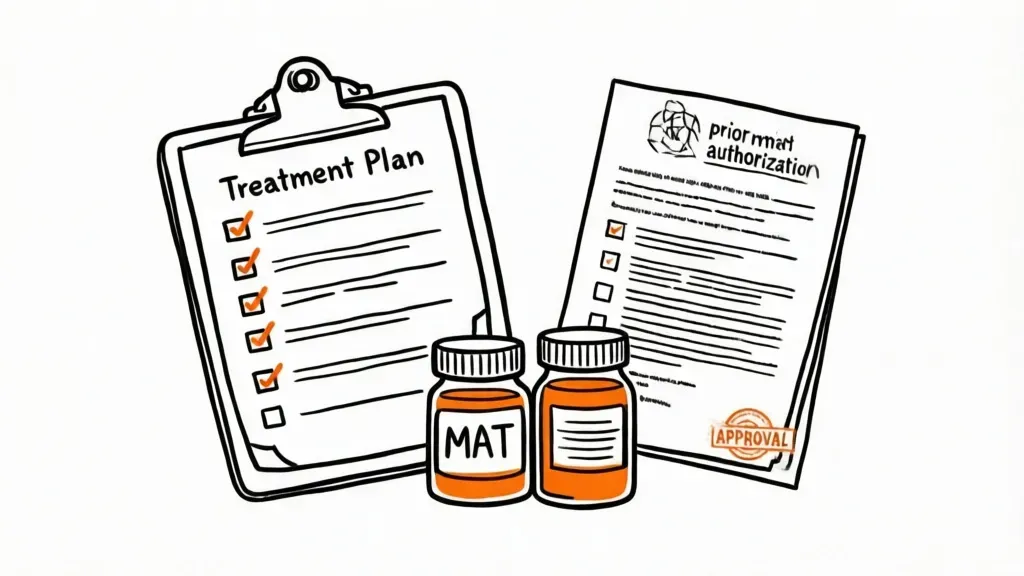
This same browser automation applies to discharge planning. When a patient completes a PHP or IOP level of care and transitions to outpatient, Castor can populate the transition-of-care referral forms for the receiving provider, generate the aftercare plan document from the patient's session history and goal progress, and log the discharge in your local records — all from a single natural-language instruction to the Telegram bot interface.
Can Castor Handle Urinalysis and Drug Screen Documentation?
Urinalysis documentation requires a chain-of-custody record: date and time of collection, collector, patient confirmation, panel tested, results, and any discrepancy notes. Castor ingests UA result PDFs (or typed inputs) and stores them in the patient's local wiki with full timestamps. Because the memory uses hybrid search, a query like "show me all UA results for this patient in the last 90 days" returns a clean chronological summary — useful for treatment team reviews, utilization review documentation, and any CSAT accreditation audits.
If a result is unexpected — a positive screen following a period of negative results, or a dilute sample — Castor can flag the anomaly and draft a clinical note for the counselor to review and sign. The flag is generated by comparing the current result against the patient's historical pattern in local memory, with no data leaving the building.
How Does the Telegram Bot Work for Patient Follow-Up and Staff Alerts?
One of Castor's most operationally useful features for outpatient addiction treatment is its Telegram bot interface with scheduled routines. Castor runs as a local server; the Telegram bot is the interface through which staff interact with it from their phones — without the underlying data ever touching Telegram's servers beyond the staff member's own query text.
Two practical applications for addiction treatment programs:
Relapse risk monitoring and staff alerts: Castor's memory tracks patterns across sessions. You can configure a routine — in plain English, not code — such as: "Every Friday, review all IOP patients who have had two or more late cancellations or no-shows this month and send me a Telegram message listing those patients and their last documented status." Castor runs this from your local machine on schedule, queries its local memory, and pushes a summary to your phone. No patient names travel through a third-party server — the alert contains only the information you defined, delivered to your device.
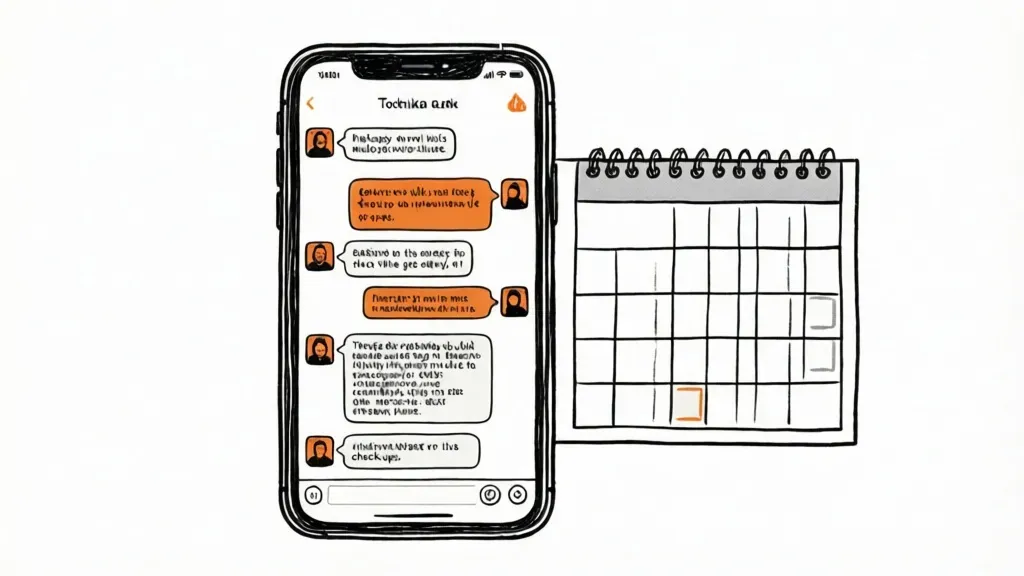
Outpatient check-in scheduling: For step-down patients in intensive outpatient or continuing care, Castor can be configured to send a daily check-in prompt via Telegram at a time the patient has agreed to. The patient's response — "doing okay, attended AA last night" — is received by Castor, logged to the patient's local record, and flagged for counselor review if the response indicates distress or non-response after a defined window. This is not a replacement for clinical contact; it is a lightweight touchpoint that generates a documented record of between-session check-ins without requiring a cloud-based patient engagement platform.
A Real-World Scenario: A 20-Bed IOP With One Clinical Administrator
Consider a 20-bed intensive outpatient program running three levels of care: detox step-down, standard IOP three days per week, and a continuing care group. The program has one clinical administrator who handles MAT prior authorizations, UA documentation, and discharge paperwork — alongside two full-time counselors running groups and individual sessions.
Before Castor, the administrator spent roughly three hours per day on documentation tasks: copying UA results into the EHR, filling PA forms for Suboxone and Vivitrol renewals, formatting discharge summaries from counselor handoff notes. All of this was done through a cloud-based EHR that the program's attorney had flagged as a potential Part 2 risk — the BAA covered HIPAA but was silent on whether session-level SUD notes were excluded from vendor model training.
After deploying Castor on a Windows laptop already owned by the program:
- UA results are ingested from the lab PDF, chain-of-custody fields populated automatically, and the record stored locally. Time per UA: under two minutes versus twelve.
- Suboxone PA renewals are submitted through the insurer portal via Castor's browser automation. The administrator reviews and approves each submission; Castor handles the navigation and form population. Time per PA: eight minutes versus forty.
- Discharge summaries are generated from the patient's session history in Castor's local memory. The counselor reviews, edits, and signs. Time per discharge: twenty minutes versus ninety.
- Friday relapse-risk alerts surface the two or three patients who have had attendance gaps or distress flags in the current week, giving counselors a prioritized call list before the weekend.
The clinical administrator is now free to spend more time on utilization review and accreditation preparation. SUD records remain entirely on clinic hardware. The program's attorney reviewed the setup and confirmed no Part 2 exposure from the AI tooling.
If your program works with prescribers managing controlled substances, the same offline architecture applies to DEA Schedule III documentation — see Castor for pain management clinics for that workflow in detail. If you have a co-occurring mental health caseload, Castor for mental health therapists covers session note workflows that complement the SUD documentation approach here. And if your program dispenses MAT medications directly, Castor for independent pharmacies describes the prescription management workflow that handles buprenorphine dispensing records.
What Does Castor Actually Run On?
Castor requires a machine running Windows, macOS, or Linux with at least 4 GB of VRAM. A gaming laptop at the lower end of the consumer market is sufficient. The AI model runs locally through LM Studio or Ollama — small, capable models like Qwen 2.5 or Gemma 3 handle clinical documentation tasks well within that memory budget. There is no monthly subscription. Once the hardware is purchased and Castor is configured, the marginal cost of every note, every PA submission, and every scheduled alert is zero.
The setup process does not require IT expertise beyond the ability to install software. The 46-tool system is pre-configured; the memory system initializes automatically on first use. A program director or clinical administrator can have Castor operational in an afternoon.
Frequently Asked Questions
Does Castor qualify as a Business Associate under 42 CFR Part 2?
Castor runs entirely on hardware you own and control. It does not transmit data to any third party and has no external server component. Because there is no disclosure of SUD records to another entity, the Business Associate framework does not apply. Your legal counsel should review the specific configuration, but the architecture is designed to eliminate the disclosure that would trigger Part 2 BAA requirements.
Can Castor integrate with our existing EHR?
Castor can read from and write to files in formats your EHR can import — PDFs, structured text, CSV exports. It does not require an API integration with your EHR and does not need direct database access. The workflow is: Castor generates the document locally, you or a staff member imports it into the EHR through your normal process. This keeps the AI layer fully air-gapped from the EHR's cloud infrastructure.
Is Castor appropriate for a CSAT-accredited program?
Castor is a documentation and workflow tool; it does not replace clinical judgment or the licensed counselors who provide treatment. CSAT accreditation requirements govern clinical standards, staffing ratios, and treatment protocols — not the specific software used to generate documentation. The offline architecture actually strengthens your accreditation posture by demonstrating a documented approach to 42 CFR Part 2 compliance that avoids third-party data exposure.
What happens if the laptop running Castor is lost or stolen?
Castor includes encrypted secrets management, and the local storage can be encrypted at the OS level using BitLocker (Windows) or FileVault (macOS). A stolen machine with full-disk encryption does not constitute a Part 2 disclosure. Standard practice is to use a dedicated clinic machine for Castor rather than a personal device, with OS-level encryption enabled — the same standard you would apply to any machine storing SUD records locally.
The next step is straightforward: run Castor on a test machine using placeholder patient data, configure one documentation workflow — UA logging or SOAP notes — and evaluate whether the output meets your clinical documentation standards. Programs that have done this report that the quality of AI-assisted notes is sufficient for counselor review and sign-off without significant editing. The Part 2 compliance question answers itself: if the data never leaves the building, the exposure does not exist.