

Castor for Pediatric Clinics: Offline AI That Documents Well-Child Visits and Immunization Records Without Cloud Risk
Offline AI for pediatric practices: well-child visit notes, immunization records, EPSDT screenings, and prior authorizations — all running locally with no cloud exposure.

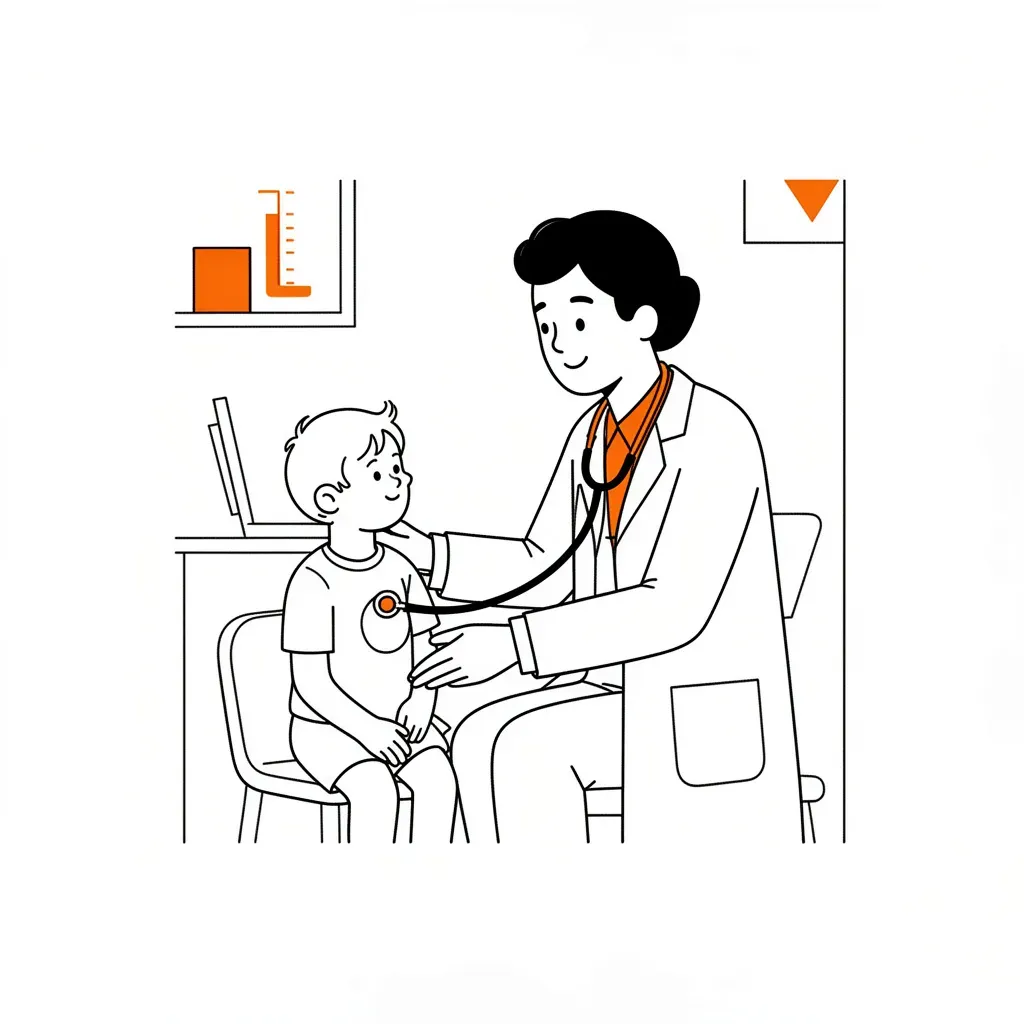
Pediatric practices run one of the highest-volume documentation workflows in outpatient medicine. A single provider can see 20–30 patients per day — well-child exams, sick visits, immunizations, M-CHAT screenings, school physicals — and every note carries HIPAA obligations for patients who cannot consent for themselves. Most cloud-based documentation tools move that data off-premise the moment a clinician types. Castor keeps every record on your own hardware, fully offline, with no monthly SaaS subscription.
Castor is a local AI agent that runs on a standard Windows, Mac, or Linux machine (4–8 GB VRAM is enough). It connects to your workflow through a Telegram bot, a browser-based web UI, or a terminal CLI. Nothing it processes — no visit note, no immunization record, no screening result — ever leaves your clinic's network. This post walks through exactly how a pediatric practice deploys Castor: from well-child SOAP notes to vaccine recall automation to prior authorization drafting.
Why Do Pediatric Clinics Need Offline AI?
Minor patient data carries extra legal weight. HIPAA applies in full, and many states layer additional protections for reproductive health, mental health, and substance use disclosures for adolescents. When a cloud EHR or AI assistant processes that data on a remote server, your practice is creating a third-party data-sharing relationship that must be covered by a Business Associate Agreement — and that BAA only goes so far if the vendor is breached.
Beyond compliance, the practical argument for offline AI in a busy pediatric clinic is speed and cost. Castor runs on hardware you already own. There is no per-seat license, no per-API-call charge, no internet dependency. A front desk computer or a modest gaming laptop handles the entire workload.
How Does Castor Handle Well-Child Visit Documentation?
At the end of a well-child visit, the provider gives Castor a brief verbal or typed summary: chief complaint, findings, measurements, screening results. Castor expands that into a complete SOAP note formatted for the chart — subjective, objective, assessment, plan — with CPT codes, appropriate ICD-10 codes, and Bright Futures language already filled in.
Castor's 3-layer memory system stores every previous visit for that patient as structured facts. By the time you start the 4-year well-child note, Castor already knows the 3-year growth percentiles, the ASQ-3 results from 18 months, and the pending referral to ENT from the last visit. You do not re-enter that context. You correct or confirm it.
The visit note is saved locally in whatever format your workflow needs — plain text, structured JSON for EHR import, or a formatted PDF. Castor's file ingestion handles 50+ formats, so if you later need to pull in lab results, a specialist's letter, or a scanned school form, it processes those documents directly on-device.
Can Castor Track Immunizations and Automate Vaccine Recall?
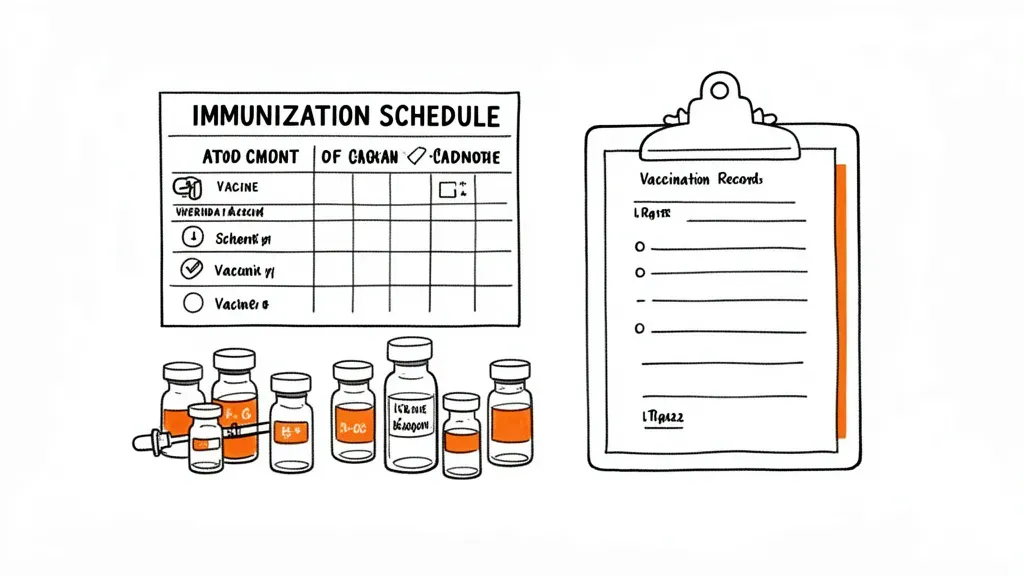
Immunization management is where most pediatric practices burn staff time. The CDC childhood immunization schedule has 16+ vaccines and dozens of catch-up permutations. Tracking which patient is due for which dose — and then following up when families miss appointments — is a daily administrative grind.
Castor solves this in two layers:
- Per-patient immunization log — every administered vaccine is recorded with date, lot number, manufacturer, VIS version, and administration site. Castor's memory system stores these as structured facts and knows the schedule gaps automatically.
- Scheduled recall routine — using natural language scheduling ("every Monday at 8:00 AM"), Castor runs a sweep of all active patients, identifies who is overdue for a dose, and drafts recall messages. Those messages go out through the clinic's Telegram bot or are exported as a CSV for your front desk to call.
For state immunization registry reporting, Castor can generate HL7 or flat-file exports formatted to your state's IIS specifications. The data never touches an outside server during this process — the export file is created locally and uploaded by your staff.
How Does Castor Document Developmental Screenings and EPSDT Compliance?
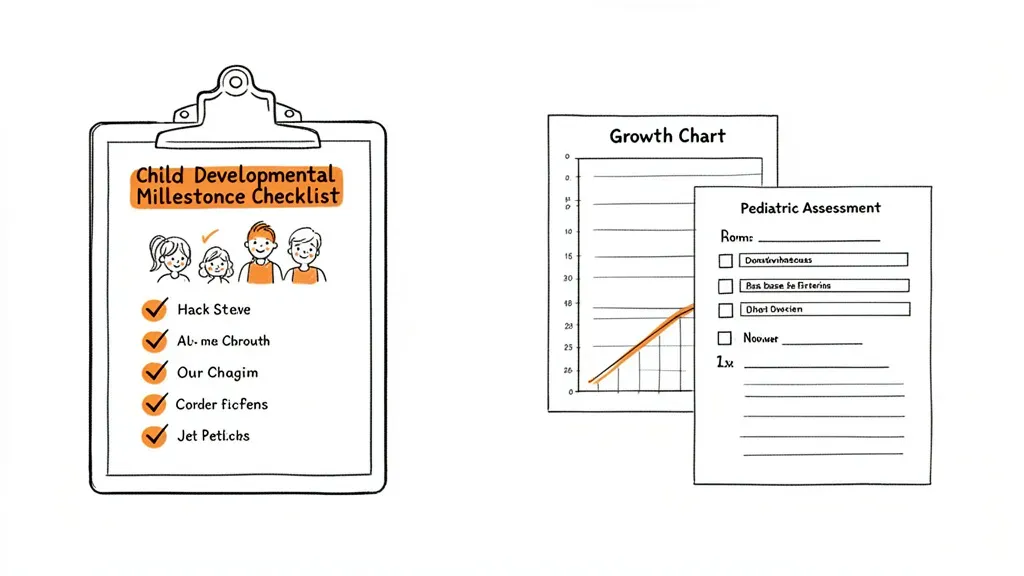
EPSDT — the Early and Periodic Screening, Diagnostic, and Treatment benefit under Medicaid — requires pediatric practices to screen for developmental delays, vision, hearing, dental, and behavioral health at specified intervals. Documentation failures mean audit risk and potential recoupment.
Castor tracks EPSDT screening requirements by patient age and documents the results in structured form:
- M-CHAT-R/F (autism screening at 18 and 24 months) — Castor records pass/fail/follow-up results and schedules the follow-up interview if triggered
- ASQ-3 (developmental milestones at 9, 18, 24, 30 months) — results documented per domain (communication, gross motor, fine motor, problem-solving, personal-social)
- Edinburgh Postnatal Depression Scale — for postpartum parent screening at well-child visits
- PHQ-A (adolescent depression screening at 12+ years) — documented and flagged for follow-up per AAP guidelines
- Bright Futures anticipatory guidance — age-appropriate guidance notes generated automatically for the visit summary
Because Castor knows each patient's visit history, it flags when a required screening was missed and includes that in the next well-child visit checklist. No separate compliance spreadsheet required.
How Does Castor Handle Prior Authorizations for Pediatric Referrals?
Specialist referrals in pediatrics are authorization-intensive: audiology evaluations, speech therapy, occupational therapy, MRI for suspected developmental delays, ophthalmology for failed vision screening. Each insurer has its own PA portal and documentation requirements.
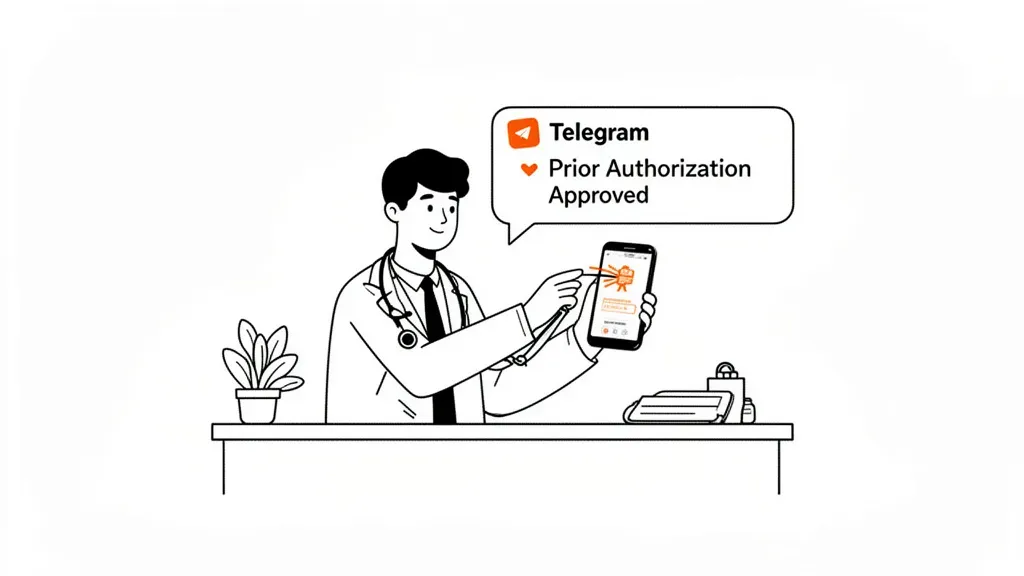
Castor drafts prior authorization requests using the patient's existing chart data — diagnosis codes, clinical history, relevant screening results, referring provider NPI. It uses Playwright-powered browser automation to navigate the insurer's portal, pre-fill the clinical justification fields, attach supporting documentation, and submit. The submission receipt is logged locally and Castor sends a Telegram alert to the provider when the PA is approved or denied.
For denied authorizations, Castor can draft appeal letters with the clinical rationale pulled from the patient's chart — formatted to the specific insurer's appeal requirements if you have the template on file.
How Do Pediatric Practices Set Up Castor?
Setup takes roughly 2–3 hours for a clinic that has never used a local AI agent before. The steps:
- Install Castor on a clinic workstation or dedicated mini-PC (Windows 10/11, macOS, or Linux). The
--doctorcommand checks all 20+ system components and reports what's missing. - Connect a local model via LM Studio or Ollama. For documentation tasks, Qwen 3 8B or Llama 3.1 8B runs well on 8 GB VRAM. Smaller 4B models work for simpler tasks like recall messages and PA drafts.
- Create a Telegram bot for the clinic. Castor connects as a private bot — only staff with the invite link can interact with it. The bot handles incoming queries ("Is María Rodríguez due for her 15-month visit?") and outgoing alerts (PA approvals, overdue vaccine lists).
- Load your patient base. Castor ingests PDFs, CSV exports from your current EHR, or structured JSON. It builds the per-patient memory automatically from the ingested records.
- Configure scheduled routines. Set the immunization recall sweep, the EPSDT compliance check, and any other recurring tasks in natural language: "every weekday at 7:30 AM, check for patients due for vaccines this week."
Because Castor's 46-tool system loads only the tools needed for each task (rather than all 46 at once), token usage stays low even on a 4B parameter model. Most documentation tasks complete in under 10 seconds on modest hardware.
Pediatric practices that want to see how this architecture works in a different clinical setting can read the Castor deployment guide for home health agencies or the offline AI setup for mental health therapists. The core architecture is the same — only the document templates and workflow automation differ by specialty.
What Hardware Does a Pediatric Clinic Need?
Castor does not require a server room or a cloud subscription. A single machine handles the workload for most single-provider or small-group practices:
- Minimum: Any machine with 16 GB RAM and a 4 GB VRAM GPU (NVIDIA GTX 1650, RTX 3050, or equivalent). This handles a 4B model for simple documentation tasks.
- Recommended: 32 GB RAM, 8 GB VRAM (RTX 3070, RTX 4060). Runs 8B models comfortably for complex notes and multi-step PA drafting.
- Windows, macOS, Linux: All supported. The same Castor installation runs on an existing staff workstation.
For practices that want a cloud fallback during peak hours, Castor supports OpenAI, Groq, OpenRouter, and DeepSeek as optional backends — but the data still flows through your own API keys and is not retained by Castor's servers (there are none).
If you run a physical therapy or occupational therapy practice and are evaluating Castor for allied health documentation, the Castor guide for physical therapy clinics covers the same offline architecture applied to ROM assessments, functional outcomes, and insurance authorization tracking.