

Castor for Urgent Care Clinics: Offline AI That Handles Walk-In Volume Without Cloud Downtime
Urgent care handles 100+ walk-ins daily. Castor runs offline — SOAP notes, insurance verification, workers' comp, referrals. No cloud risk.

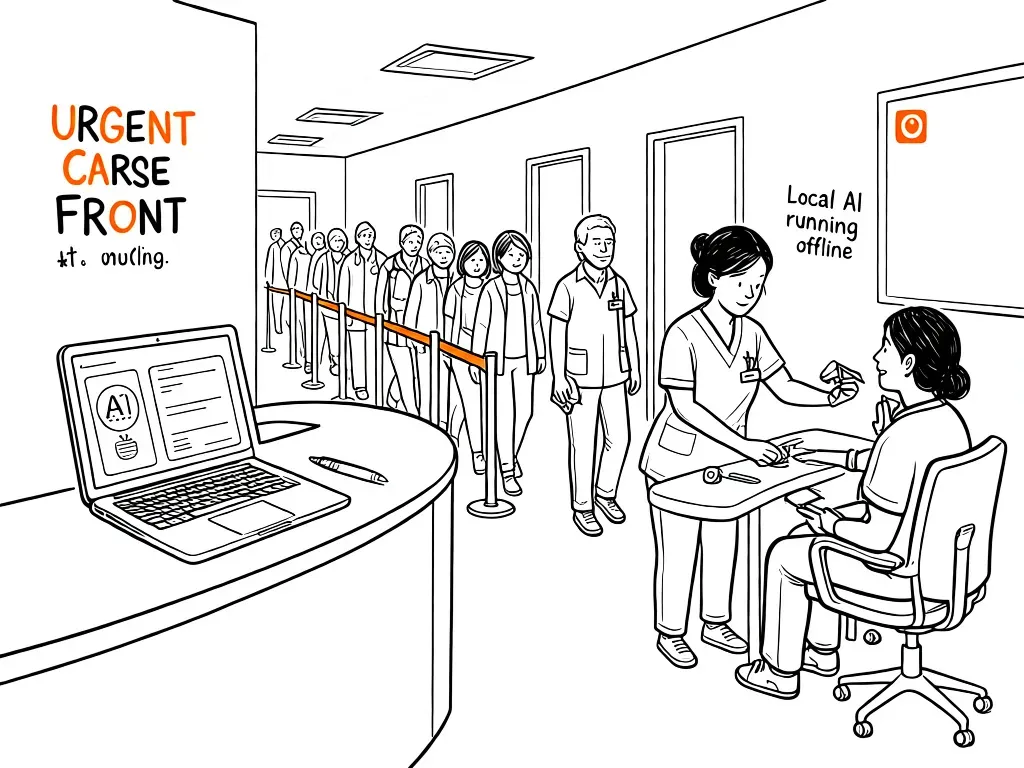
Why Urgent Care Clinics Have a Documentation Problem Other Specialties Don't
Urgent care is built around speed. A typical clinic sees 80 to 150 walk-ins per day across multiple providers. Patients arrive without appointments. Insurance hasn't been verified yet. Workers' compensation cases show up unannounced. DOT physicals need specific documentation formats. Every chart needs to be complete before the patient leaves the building.
Cloud-based EMRs promise to solve this, but they introduce a different problem: dependency. When the internet goes down — a provider outage, a local ISP issue, a network disruption — your entire clinic grinds to a halt. At 11 AM on a Monday with a full waiting room, that's not an inconvenience. It's a crisis.
Castor runs entirely on a local machine. No API calls to external servers during patient care. No login screens that time out mid-shift. No waiting for the cloud to sync. The entire AI — memory, tool system, document processing — runs on hardware you already own, inside your own four walls.
What Castor Does Inside an Urgent Care Clinic
Castor is an offline AI agent built to run on consumer hardware: a standard workstation or gaming laptop with 8GB of VRAM. It connects to your clinic's local network but never sends patient data outside your walls. Three interfaces — terminal, web UI, and Telegram bot — let front desk staff, nurses, and providers interact with the same system from different devices without per-seat licensing.
For urgent care, the most valuable capabilities are:
- Automatic SOAP note generation from dictated or typed provider notes
- Browser automation for real-time insurance eligibility checks at check-in
- Workers' compensation documentation and state-specific form completion
- DEA-compliant PDMP verification for controlled substance prescriptions
- DOT physical exam documentation and Medical Examiner's Certificate generation
- Referral letter drafting based on visit findings, with scheduled follow-up alerts
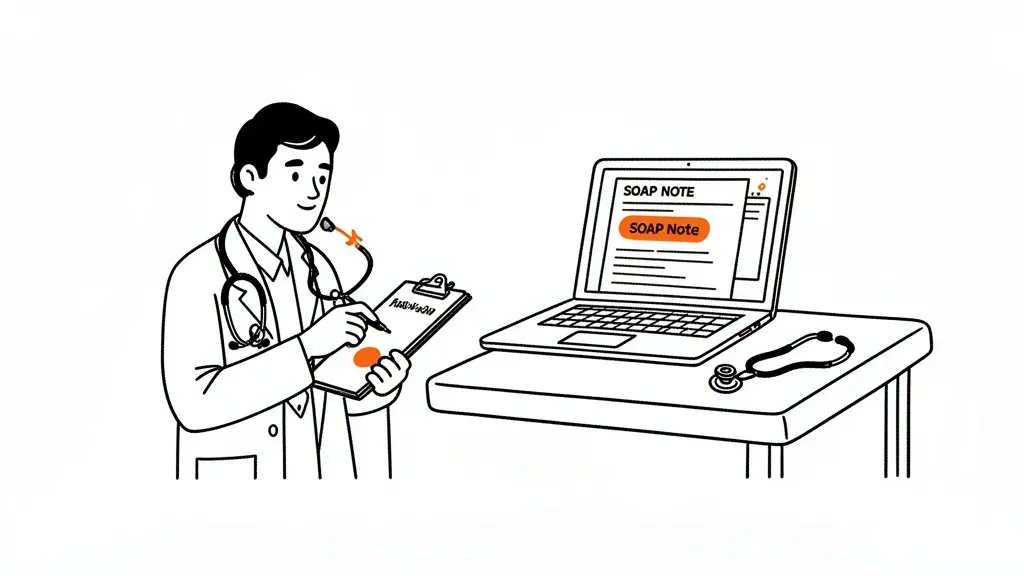
Walk-In Intake and SOAP Note Automation
In a high-volume urgent care setting, the bottleneck isn't seeing patients — it's documenting them. A provider who sees 25 patients in an 8-hour shift spends roughly 3 hours on documentation if each chart takes 7 minutes. Castor cuts that to under 2 minutes per chart by handling the structure and language automatically.
The workflow: a provider finishes the visit and speaks or types a brief summary ("38-year-old male, sore throat 3 days, exam shows erythema no exudate, rapid strep negative, viral URI, instructed rest and fluids, return precautions given"). Castor converts that into a complete SOAP note with correct CPT code suggestion, ICD-10 coding, and plan documentation in the expected format.
Castor's three-layer memory system means it retains returning patients. When someone who visited last month walks back in, Castor surfaces their prior visit summary, documented allergies, and current medications before the provider enters the room. No portal login required — the context is already there in local memory.
For pediatric visits, Castor can flag immunization gaps, developmental screening due dates, and growth percentile context from prior well-child documentation — giving providers an immediate picture of the child's history even when the parent can't recall the details.
Insurance Verification Before the Patient Reaches the Window
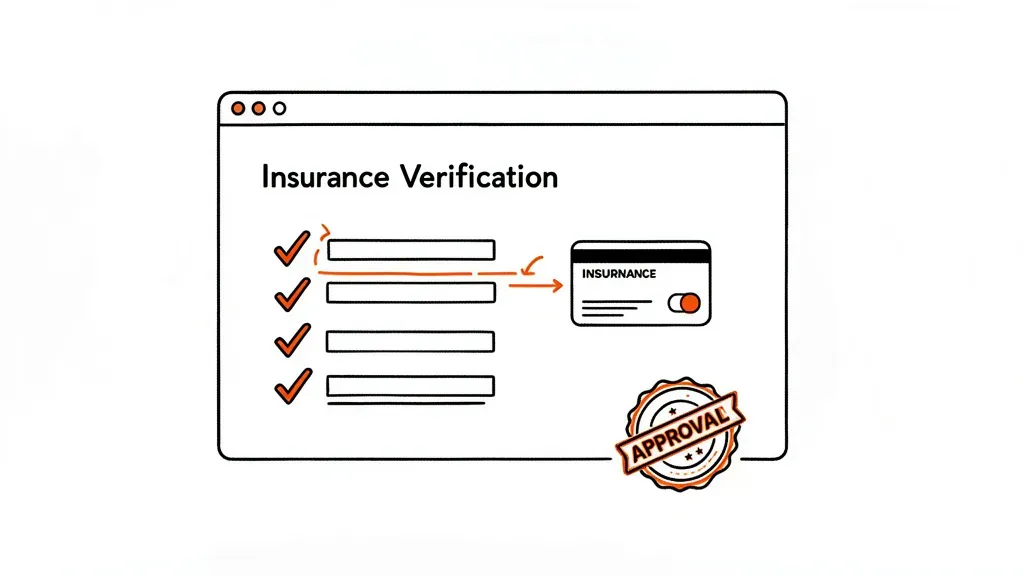
Urgent care check-in is where most downstream billing errors originate. A patient presents with a Blue Cross card that expired last month. Or they have secondary coverage they didn't mention. Or the plan structure requires a specialist copay even for urgent care. Each of these creates a billing headache that delays payment by 30 to 90 days — and often results in bad debt.
Castor's Playwright-powered browser automation runs eligibility checks in the background while the patient completes their intake paperwork. It connects to payer portals and extracts:
- Current deductible status and remaining balance as of today
- Copay and coinsurance amounts for urgent care visits
- Network status for the clinic's NPI
- Any prior authorization requirements for specific services or imaging
This runs on your local machine, accessing payer websites through the browser exactly the way a human staff member would — but without tying up a staff member. Results are formatted and waiting by the time registration is complete.
For Medicare Advantage plans, which each have different urgent care benefit structures, Castor builds a local memory entry per plan that it updates each time it verifies eligibility. Over time, it accumulates working knowledge of your most common payers — reducing the number of portal lookups needed from scratch and flagging unusual plan configurations automatically.
Workers' Compensation: State-Specific Forms Without the Paper Chase
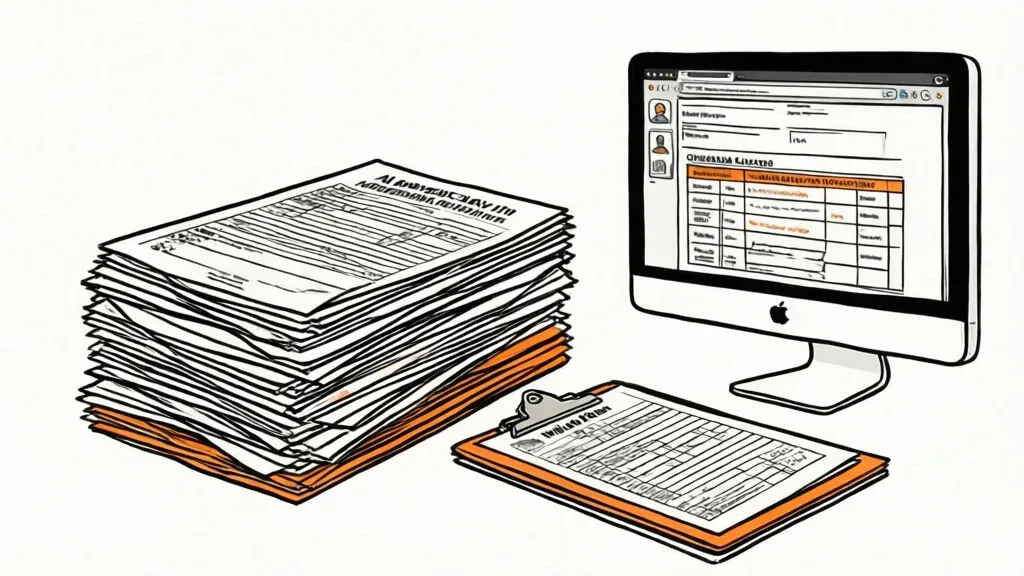
Workers' compensation cases are disproportionately complex for urgent care. An injured worker arrives without appointment. The employer may or may not have a prior relationship with your clinic. The correct forms depend on the state — New York uses Form C-4, California uses Form 5020, Texas uses DWC Form-73. And most states require the First Report of Injury within 5 to 10 days of the treating visit.
Castor handles workers' comp documentation through document ingestion and form completion:
- Ingest the employer's workers' comp policy number and carrier information from an uploaded card or form
- Auto-populate the appropriate state First Report of Injury with visit data
- Generate work-status documentation: full duty, restricted duty with specific functional limitations, or total temporary disability
- Create the return-to-work letter with plain-language restrictions that an employer and HR department can act on immediately
For clinics with established employer relationships — a manufacturing plant, a distribution center, a construction company — Castor stores the employer's documentation requirements in memory. Some employers need a copy of the visit summary sent to a specific fax or email. Some require a particular format for restriction letters. Castor applies those rules automatically for each new injury case without staff needing to look them up.
DOT Physicals and Occupational Health Protocols
Urgent care clinics that perform DOT physicals face documentation requirements most general EMRs weren't built for. The FMCSA's Medical Examination Report (MER Form MCSA-5875) requires blood pressure, vision, hearing, urinalysis, and a detailed health history review — and the examining provider must hold NRCME certification and appear in the National Registry.
Castor tracks NRCME certification expiration dates for your providers and prompts for each required exam component before the form is finalized. It generates the Medical Examiner's Certificate (MCSA-5876) with the correct qualification period based on the exam findings — standard 2-year, or the limited certification periods required for certain medical conditions. Completed DOT records are stored locally for the required 3-year retention period.
For occupational health clients beyond commercial driving — employers who send pre-employment physicals, annual respirator fit tests, or drug screening panels — Castor builds a per-employer protocol. Staff invoke it with a simple command: "start pre-employment physical for Acme Logistics." The system prompts for each required component and generates the employer's required documentation format automatically.
Controlled Substance Prescriptions: PDMP Verification Without the Portal Juggling
Urgent care isn't a primary prescriber of Schedule II controlled substances, but it regularly sees patients who need Schedule III-V medications — cough suppressants with codeine, short-course benzodiazepines after an acute event, or low-dose Schedule IV anxiolytics for minor procedures. Every state now requires PDMP verification before prescribing controlled substances.
Castor's browser automation handles PDMP lookups through the state's prescriber portal. The provider enters the patient's name and date of birth, and Castor retrieves and logs the PDMP report — documenting that the check was performed, the date, and the result. This log entry is timestamped and stored locally, satisfying most state pharmacy board requirements for PDMP documentation in the medical record.
For phone or portal refill requests, Castor flags requests that exceed safe refill intervals or come from patients with documented PDMP findings — routing them to a provider for review rather than the front desk before any commitment is made to the patient.
Referral Follow-Up That Doesn't Fall Through the Cracks
After a visit, the handoff is where care continuity breaks down. A patient with a suspected fracture needs orthopedics within 48 hours. A child with a fever that resolved during the visit needs pediatrician follow-up within 24 hours. A patient with a new EKG finding needs cardiology. In a busy urgent care, these follow-up steps compete directly with the next patient in the queue — and many fall through.
Castor's scheduled routines manage follow-up automatically. When a provider finalizes a chart with a referral order, Castor creates a follow-up task: at 9 AM the next morning, a Telegram alert goes to the designated care coordinator with the patient name, referral reason, and urgency level. If the patient has called the specialist, the coordinator closes the task. If not, Castor sends a second alert at 48 hours.
The referral letter itself is generated directly from the visit note — formatted for fax, including the clinical summary, relevant labs or imaging results, and reason for referral — without requiring the provider to dictate a separate document.
This same workflow powers how Castor handles post-discharge follow-up for home health agencies, and the controlled substance logging Castor does for pain management clinics uses the same PDMP automation that urgent care relies on for appropriate prescribing.
Hardware and Setup for a Typical Urgent Care
Castor runs on a Windows, macOS, or Linux workstation. For a typical urgent care clinic, a single back-office workstation with an NVIDIA RTX 3060 (12GB VRAM) handles the full documentation load for a busy day — well under capacity. Multiple staff access it through the local web interface or the Telegram bot from their own devices. One machine serves the whole clinic.
Setup takes under two hours: install Castor, configure encrypted credentials for your payer portals and PDMP, and ingest any existing employer protocols or plan documents you want Castor to reference. The local model (typically Qwen 3.5 9B or Gemma 4) runs entirely on the GPU with no per-token cost and no internet connection required for AI inference.